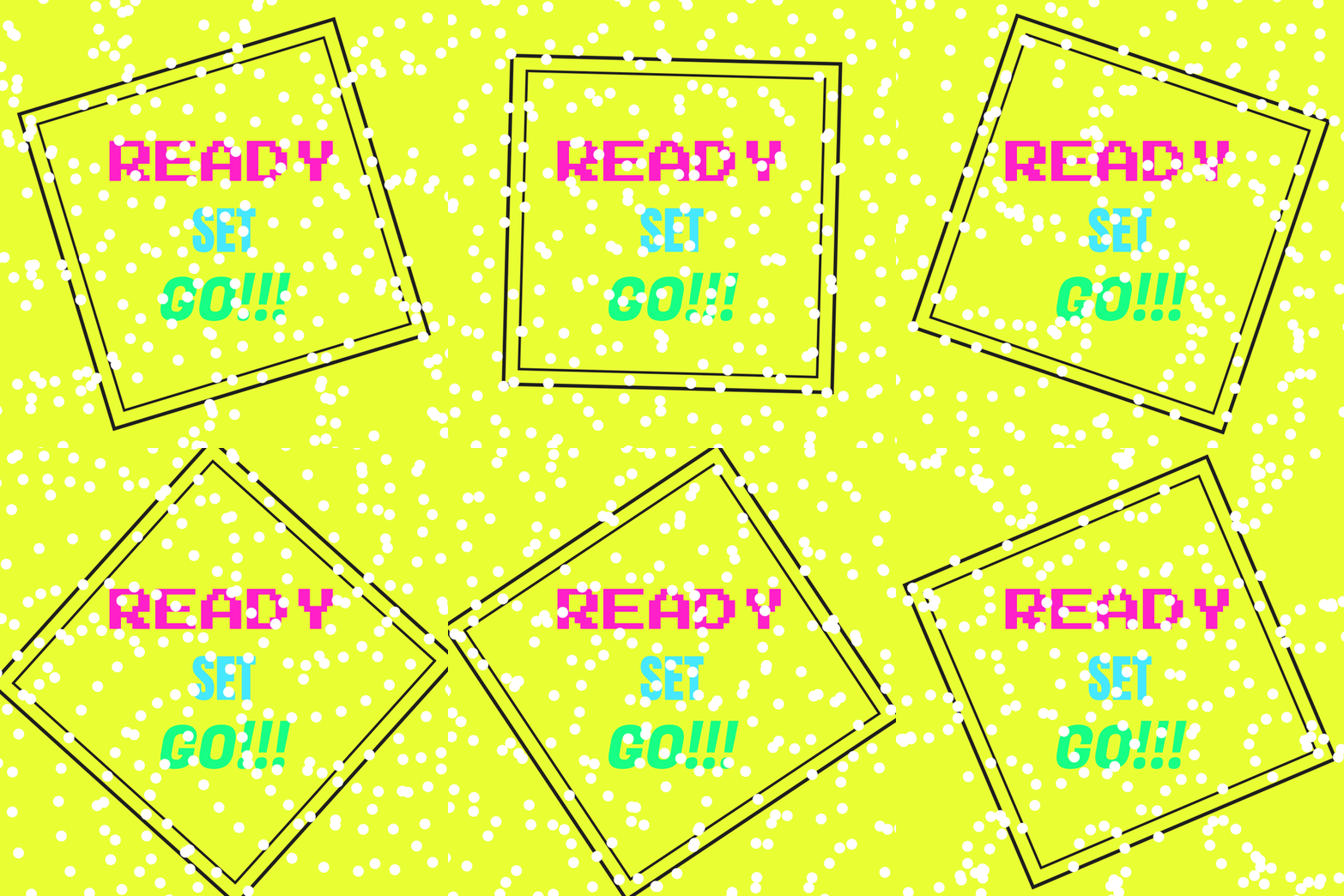
Com recurso à composição do módulo anterior, foi criada uma animação do background e incorporado a sua interação com o mouse e as teclas “+” e “-“, que podem ser usados alternadamente e assim controlar o movimento dos quadrados.
Código:
float rot = 0;
float inc = 0.02;

void setup () {
  size (900,900);
  smooth ();
}

void draw () {
  background(#e9ff34);

  PFont font = createFont("C:/Users/CeX/AppData/Local/Microsoft/Windows/Fonts/PressStart2P-Regular.ttf", 92);
  PFont font1 = createFont("C:/Users/CeX/AppData/Local/Microsoft/Windows/Fonts/Anton-Regular.ttf", 102);
  PFont font2 = createFont("C:/Users/CeX/AppData/Local/Microsoft/Windows/Fonts/FugazOne-Regular.ttf", 120);

  textAlign(CENTER);

  fill(#ff20c9);
  textFont(font);
  textLeading(200);
  text("READY", width/2, height/2.4);

  fill(#46e8ff);
  textFont(font1);
  text("SET", width/2, height/1.78);

  fill(#17ff84);
  textFont(font2);
  text("GO!!!", width/2, height/1.4);

  float tamanho = 200;

  translate(width/2, height/2);

  //rotação com as teclas
  rot = + inc;

  //rotação com o rato
  float mouse = map(mouseX, 0, width, 0, TWO_PI);

  rectMode(CENTER);
  rotate (rot);
  rotate(mouse);
  noFill();
  stroke(30);
  strokeWeight(5);
  square(0, 0, tamanho * 3);

  rectMode(CENTER);
  strokeWeight(7);
  square (0, 0, tamanho / 0.303);

  //Background com movimento
  rot = map(sin(frameCount * 0.0001), -10, 5, 10, TWO_PI);

  fill (255);
  noStroke ();

  int a = 30;
  int espaco = width / a;
  int b = 0;
  while (b < a) {
    int c = 0;
    while (c < a) {
    rotate (rot);
    circle(10 + (b * espaco), 10 + (c * espaco), 22);
      c = c + 1;
      }
    b = b + 1;
  }
  saveFrame ("Frames/ReadySetGo-####.png");
}
void keyPressed() {
  if (key == '+') {
  inc = inc + 0.02;
  }
  if (key == '-') {
    inc = inc - 0.02;
  }
}
 EDIT 2020